
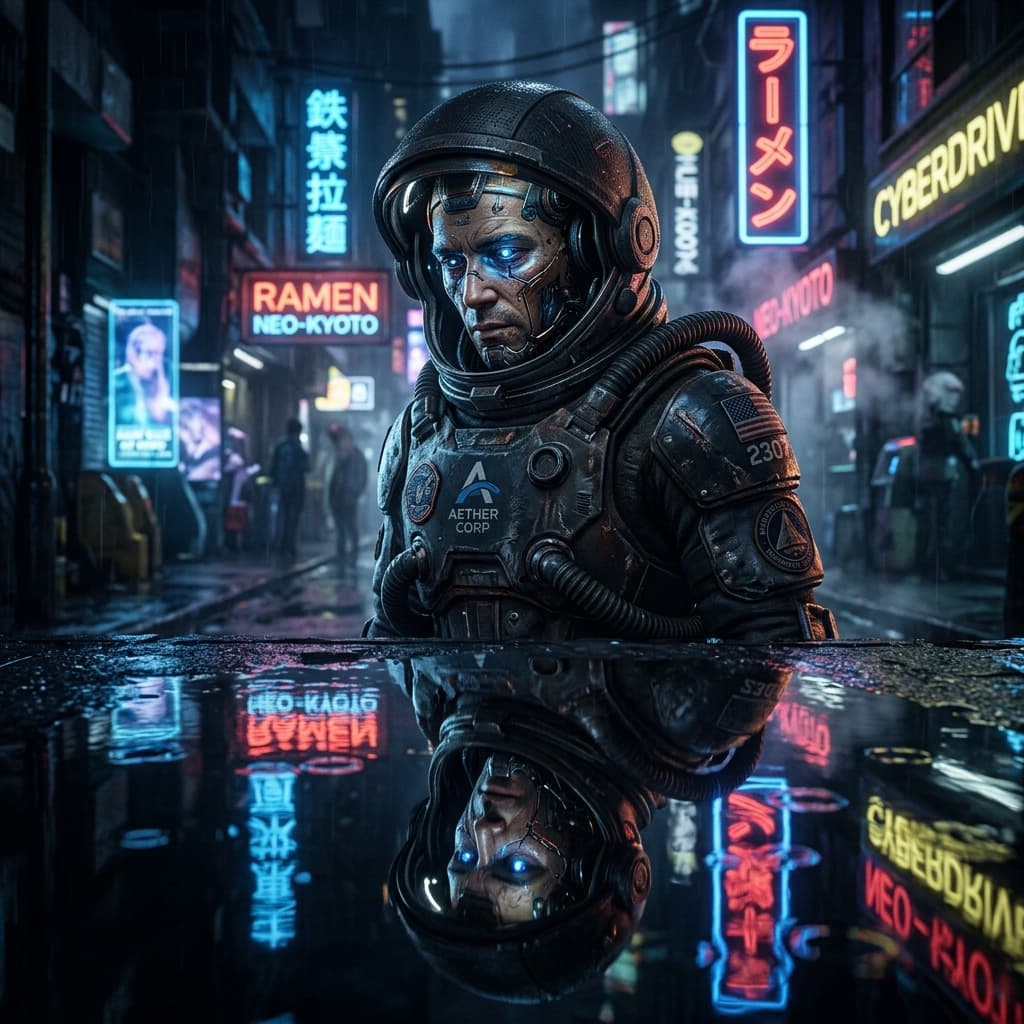
Design stunningly detailed, photographic style portrait prompts for Midjourney including cameras, lighting parameters, and aspect ratios.
1. Customization Parameters
2. Compiled Prompt Preview
1Customize Variables
Fill in the parameters on the left. Type custom topic, instructions, or adjust selectors to fit your exact business goals.
2Live Compiler Updates
The template values will be automatically inserted into the placeholders in real time on the right preview window.
3Copy & Paste to AI
Click the large action button to copy the compiled prompt, then paste it directly into Midjourney to experience top outcomes.
Related Prompts
Guide v0 or Cursor to build accessible, visually stunning UI components using Tailwind CSS classes, complete with micro-animations and accessibility features.
Create high-detail Midjourney cityscape prompts with neon lighting, rain reflections, and futuristic skies.
Generate magical, ethereal woodland settings with glowing flora, twilight skies, and crystal waters.